Downgrade Vista pro- XP (error 0x0000007b)

Collapse
X
 
  • Time
  • Show
Clear All
new posts
  • mini
    DK Veteran
    • Apr 2008
    • 602

    #1

    Downgrade Vista pro- XP (error 0x0000007b)

    Trying to downgrade Vista Pro to Xp. The cd boots up and then when it shows message installing windows it comes up with the folloeing errror>>> ***STOP: 0x0000007b (0xF7A8A524, 0xC0000034, 0x00000000, 0x00000000)

    I've googled problem and apparently its some kind of stop measure to downgrading vista. Well its the first I've heard of this but can't seem to find a solution any help appreciated thank you.
  • dasteph
    V.I.P. Member
    • Nov 2008
    • 1293

    #2
    Originally posted by mini
    Trying to downgrade Vista Pro to Xp. The cd boots up and then when it shows message installing windows it comes up with the folloeing errror>>> ***STOP: 0x0000007b (0xF7A8A524, 0xC0000034, 0x00000000, 0x00000000)

    I've googled problem and apparently its some kind of stop measure to downgrading vista. Well its the first I've heard of this but can't seem to find a solution any help appreciated thank you.
    the following link is about how to revert to a previous installed o/s prior to vista.

    How to restore a computer to a previous Windows installation after you install Windows Vista
    sigpic

    Comment

    • mini
      DK Veteran
      • Apr 2008
      • 602

      #3
      this came with windows pre installed.

      Comment

      • mini
        DK Veteran
        • Apr 2008
        • 602

        #4
        It came with vista pre installed. I there no way to completely wipe vista then use xp boot cd

        Comment

        • dasteph
          V.I.P. Member
          • Nov 2008
          • 1293

          #5
          you need an xp boot disk with command propt on so you can format the hd using fdisk not the xp installation disk, once formatted then you can install xp.

          if you know some one running xp you can create one on their system or download it.

          added a link to download a set up disk for xp [MS Windows XP System setup disk] this will format your hd.

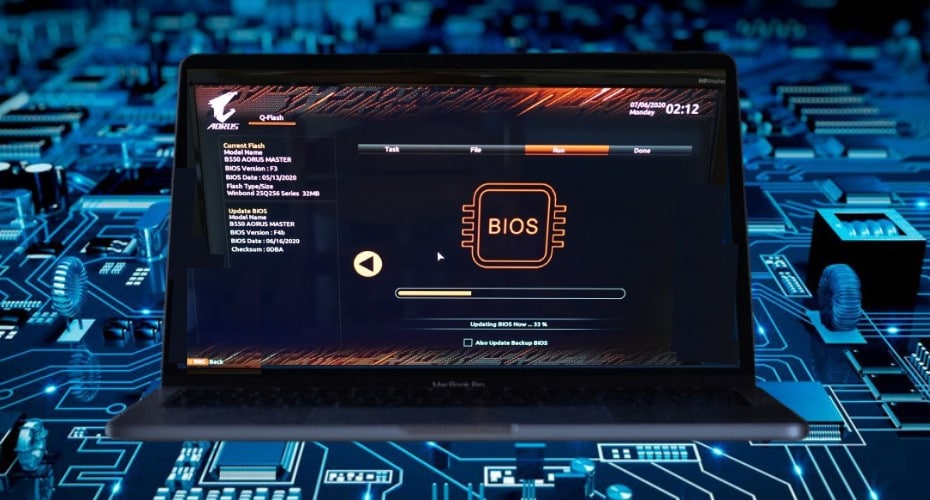
          Do you want to improve your computer's performance? Try to Flashing BIOs that will help improve its performance. In this article, you will get a better overview of what BIOS is, how to identify and update it.
          Last edited by dasteph; 31 October, 2009, 00:55.
          sigpic

          Comment

          • Tezza
            Member
            • Nov 2008
            • 42

            #6
            Also try disconeecting all external usb devices ,whichever os u install/uninstall

            Comment

            • Meat-Head
              V.I.P. Member
              • Oct 2009
              • 32000

              #7
              take the harddrive out, put it as a slave drive then reformat

              put back in your machine then boot up off your xp cd, high ho silver away

              BUT CHECK YOUR MACHINE IS BACKWARDS COMPATABLE first

              you might find eg the soundcard is dead because there is no such thing as a xp driver for your sound card etc.

              sigpicWas Banned For Being Certifiably Insane and Stupid

              Comment

              • mini
                DK Veteran
                • Apr 2008
                • 602

                #8
                I used a programmed called killdisk and reformatted hard drive and deleted partition. Then had to change sata drive settings in the bios and now so far fingers crossed seems to be installing xp.

                Comment

                Working...